

Products Guide
🛒0

User Guide

Everything you need to know about your ALORA Lamp

⚠️ Important: Please follow each step in order to learn how to properly use your ALORA lamp. Understanding all features will ensure you get the most out of your lamp!

Keep scrolling for app links below - but first, follow each step carefully!

Main switch

Step 1: The Main Switch

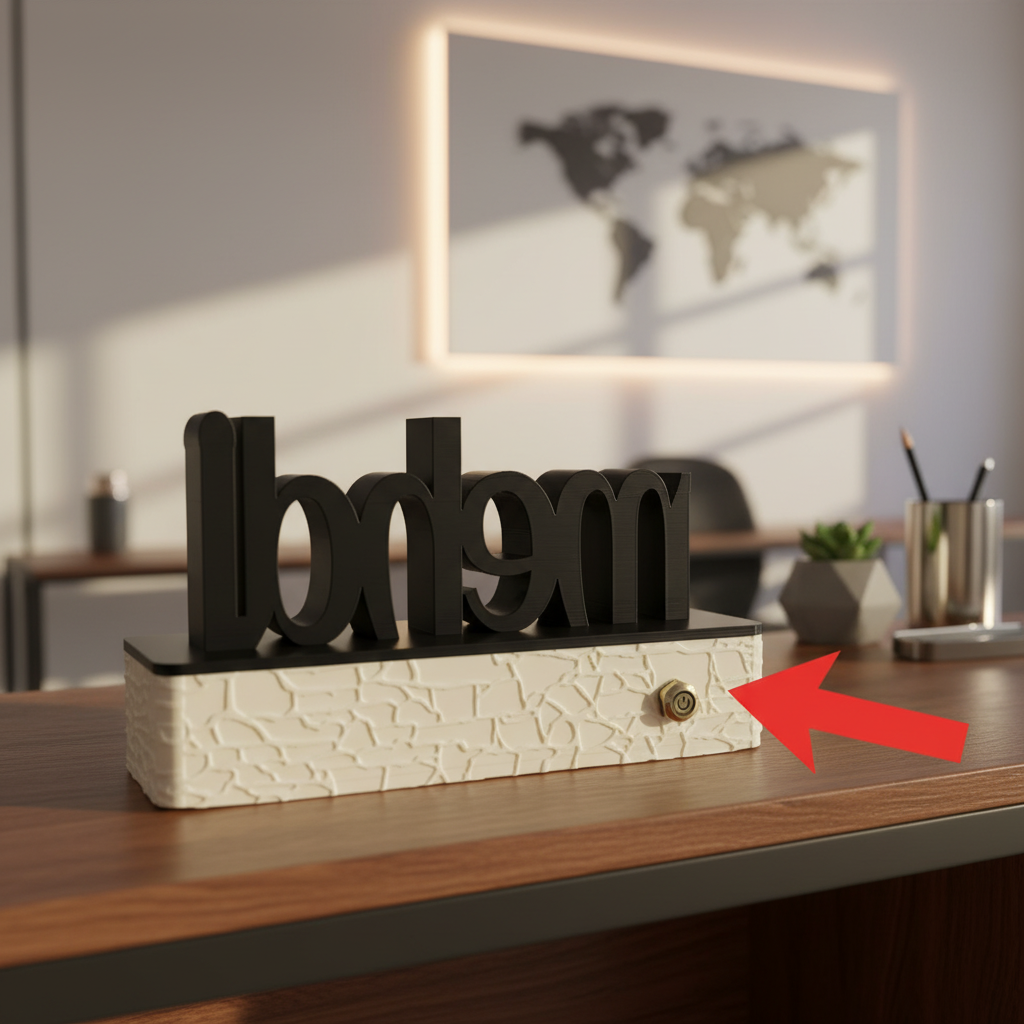
Locate the main power switch at the back of your lamp. This is the primary on/off control - it's a push-button switch that clicks when pressed.

Press it once to turn it ON. The switch will stay in position - this powers up the lamp's electronics.

💡 Note: The lamp won't light up immediately after pressing the main switch. You'll need to use the touch sensor or app to actually turn the LEDs on. The main switch simply provides power to the lamp's system.

Step 2: Touch Control & App

After turning on the main switch, you can control your lamp in two ways:

👉 Touch Sensor: Simply touch the area shown in the pictures to toggle the lamp ON/OFF.

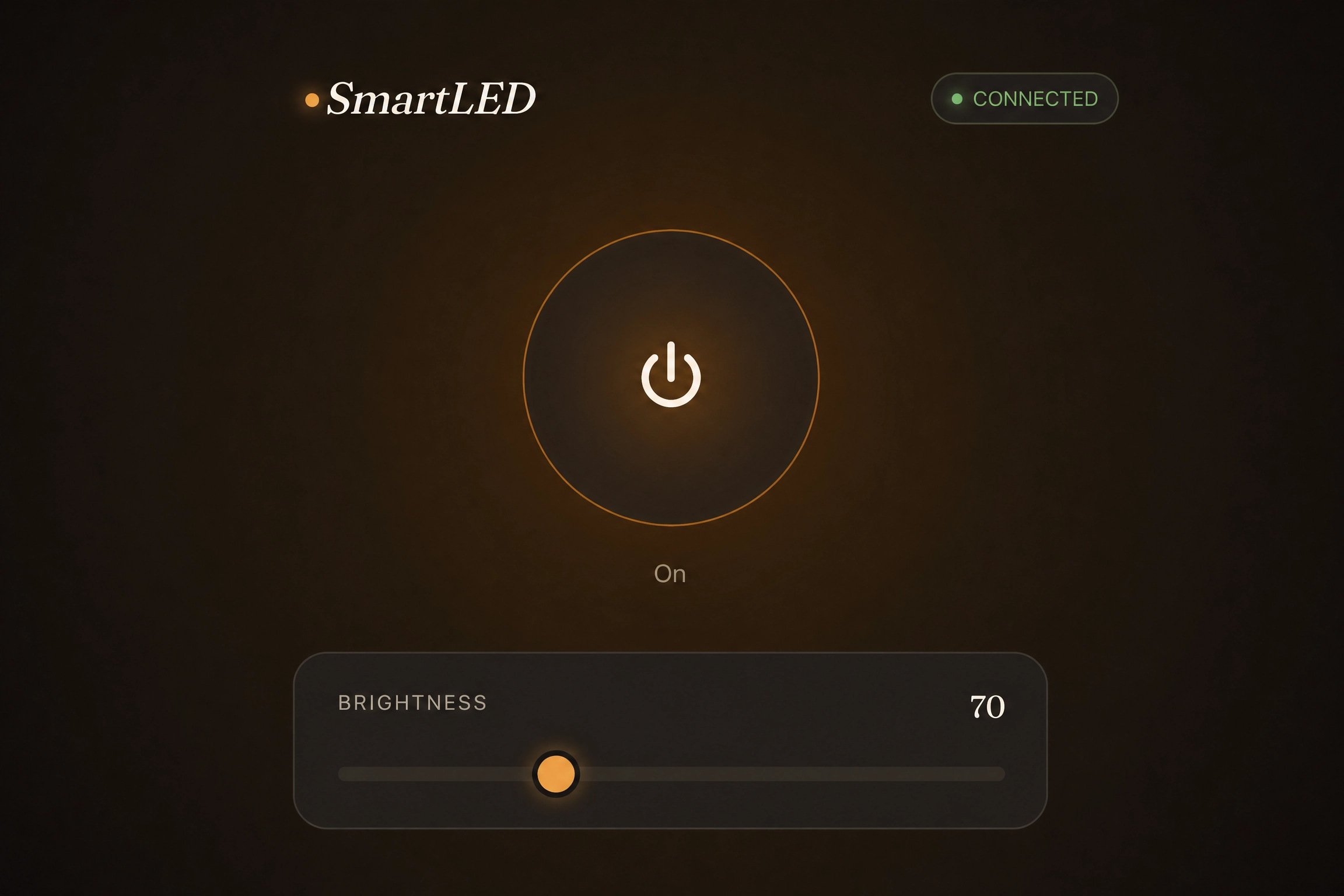
📱 Phone App: Download our app and connect via Bluetooth to control colors, brightness and effects.

✨ The touch sensor works even without the app - perfect for quick on/off! The app gives you access to all colors and effects.

Charging port

Step 3: Charging Your Lamp

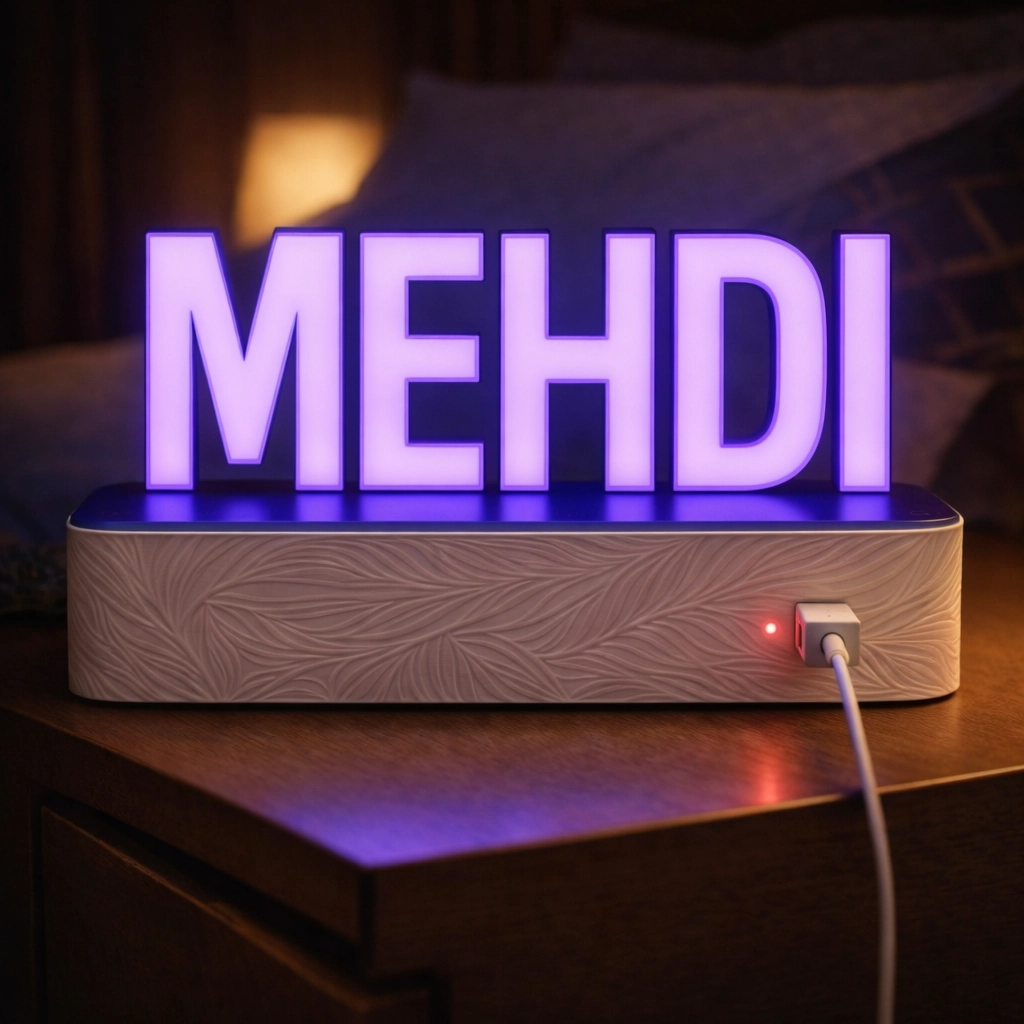
On the front face of the base, you'll find the USB-C charging port and a small indicator light next to it.

🔴 Red Light: When plugged in, the small hole lights up red - this means your lamp is charging perfectly!

You can charge the lamp whether it's ON or OFF - the main switch, touch sensor or app settings don't affect charging. The lamp will charge normally regardless of its state.

Step 4: Low Battery Indicator

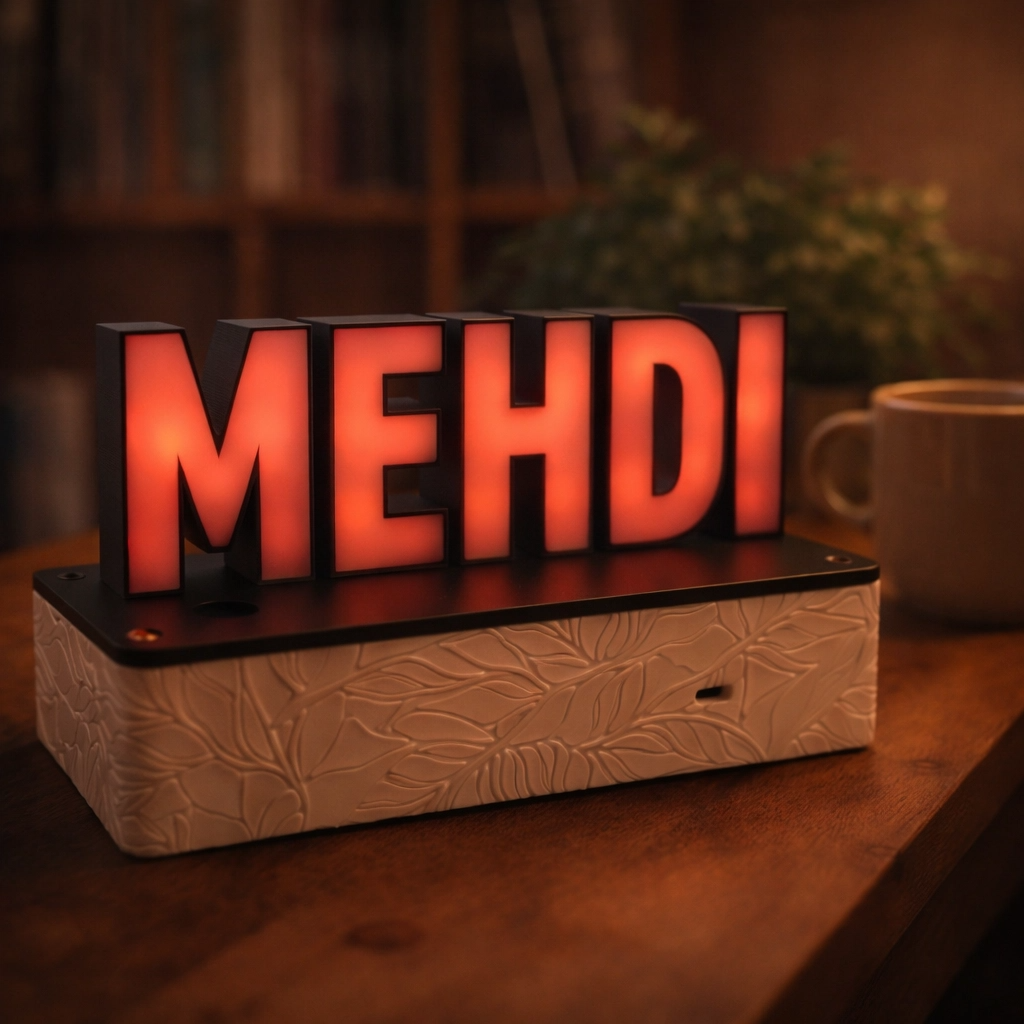
When your lamp is running low on battery, it will glow with a dim red light.

This is your signal to start charging. Simply plug in the USB-C cable - the red indicator light will confirm charging.

⚠️ Important: If you plug in the lamp while it's still turned on, it will automatically turn off to protect the battery. This is completely normal and helps preserve battery life!

🔋 The dim red light will stay on until the lamp is fully charged, or until you turn off the main switch.

Dim red light

📱 Download the App

Now that you know how to use your lamp, download the app to unlock all features:

📞 Need Help?

Visit our website www.aloralamps.com anytime to return to this guide!

For any questions, concerns or assistance, please contact us:

📧 Email:

📱 WhatsApp: +212 665 757 076

We're always happy to help with any questions about your ALORA lamp!